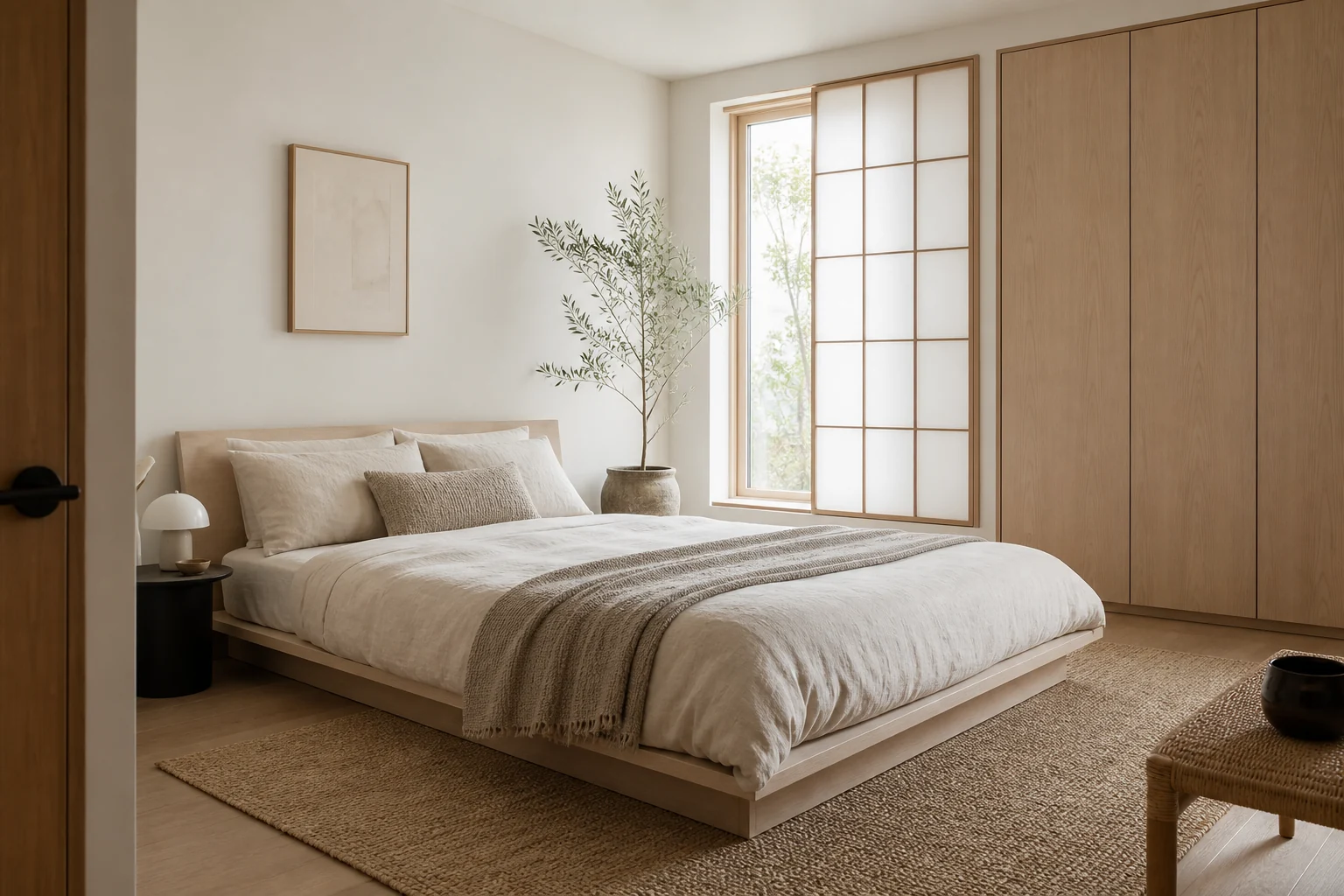
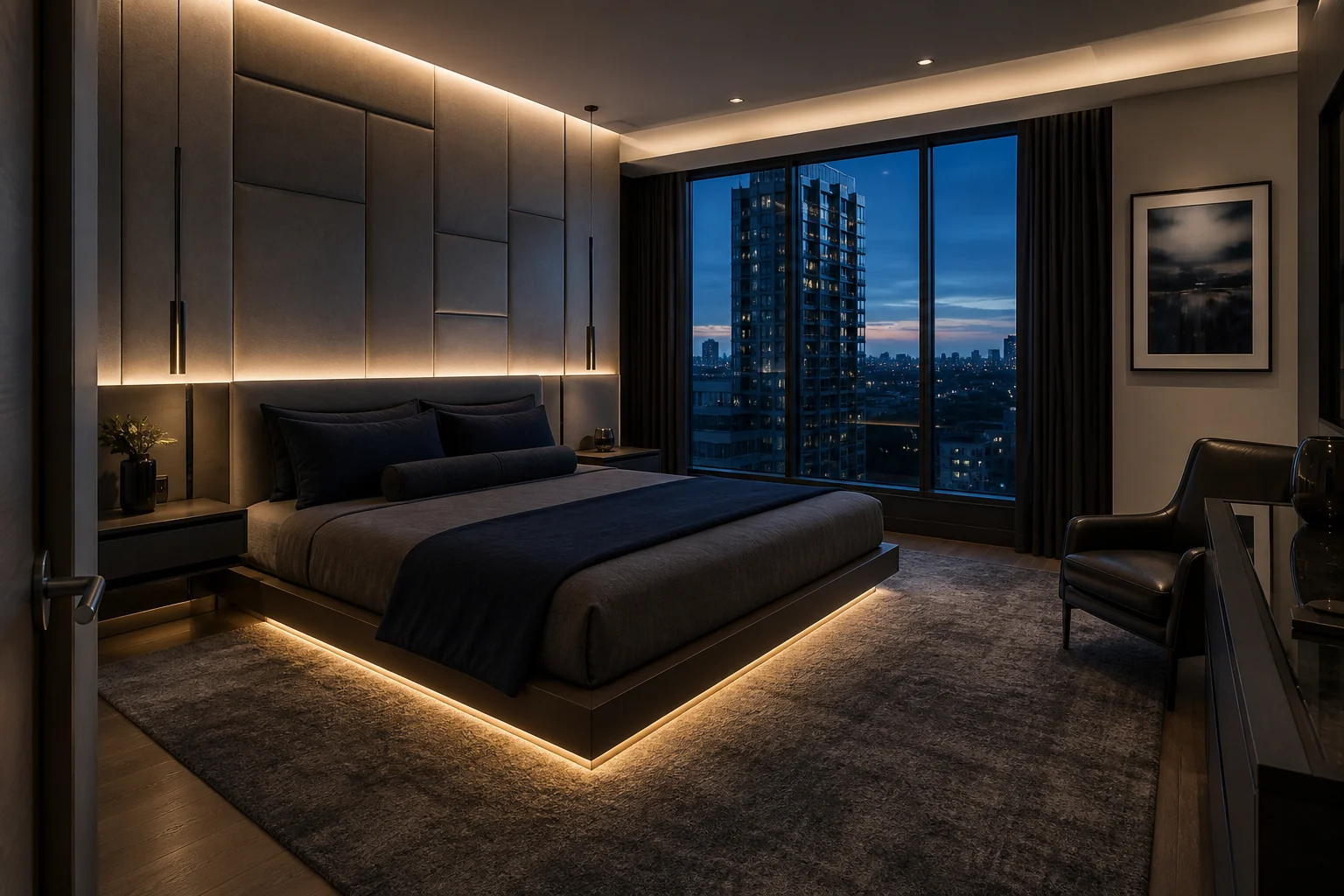
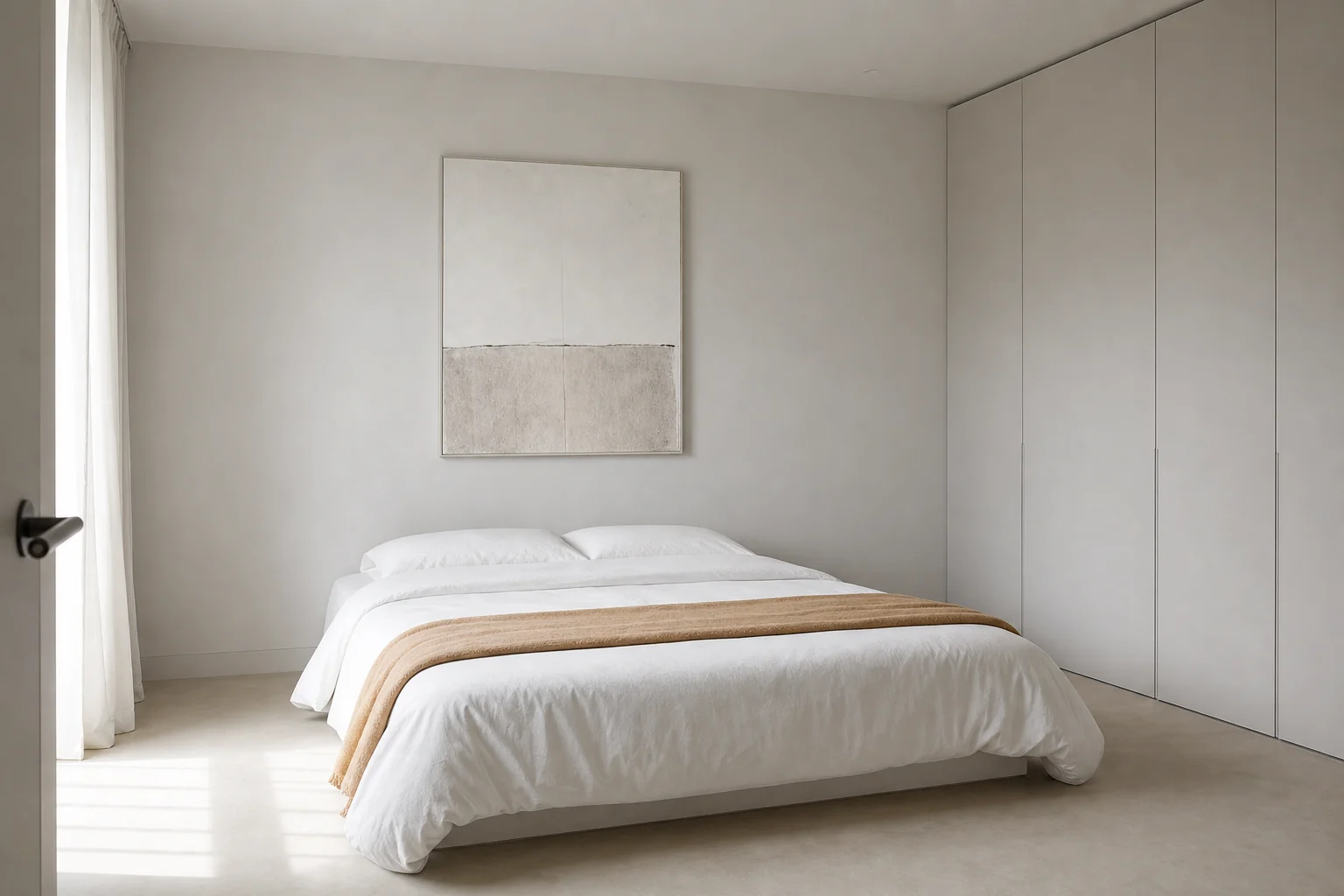
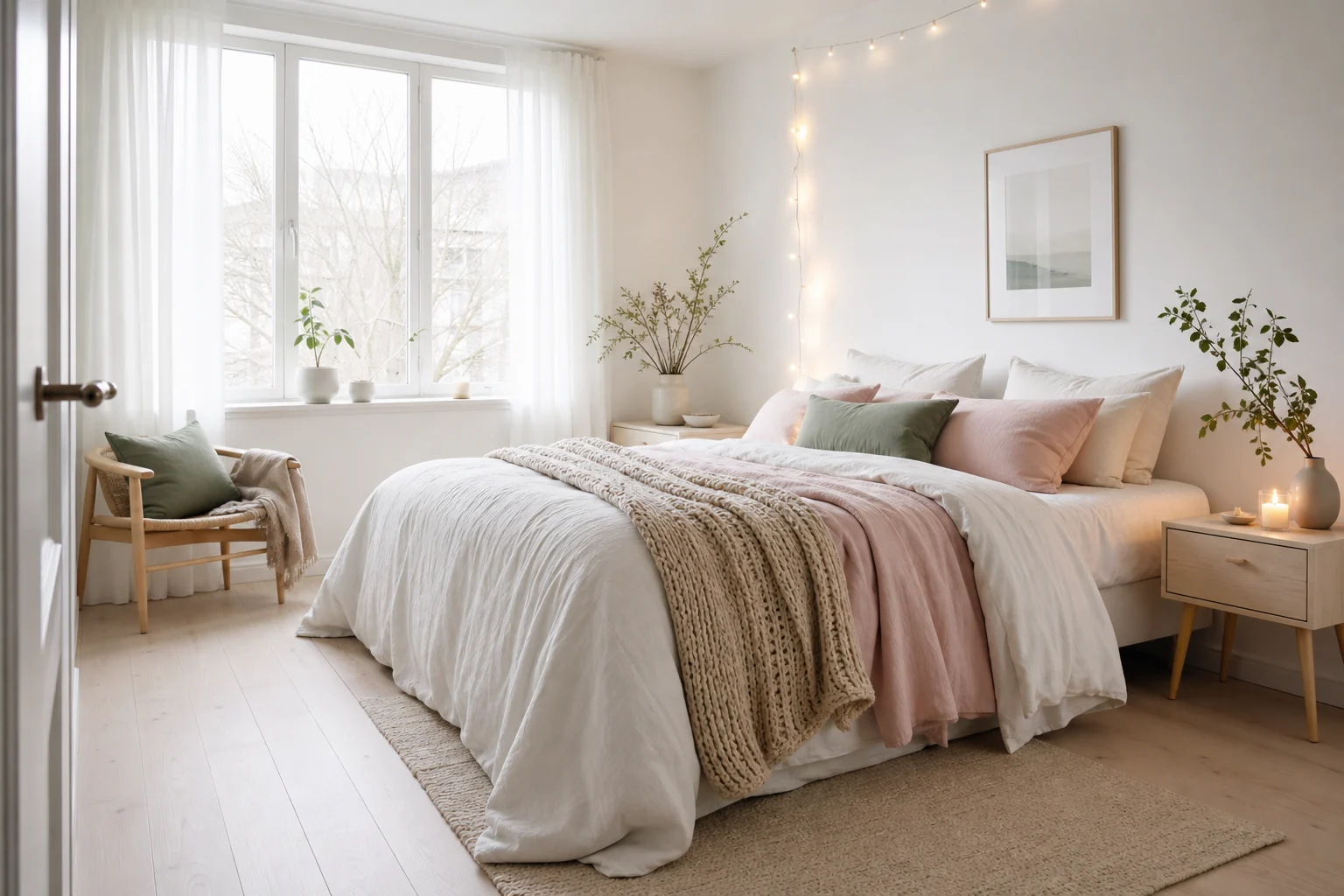
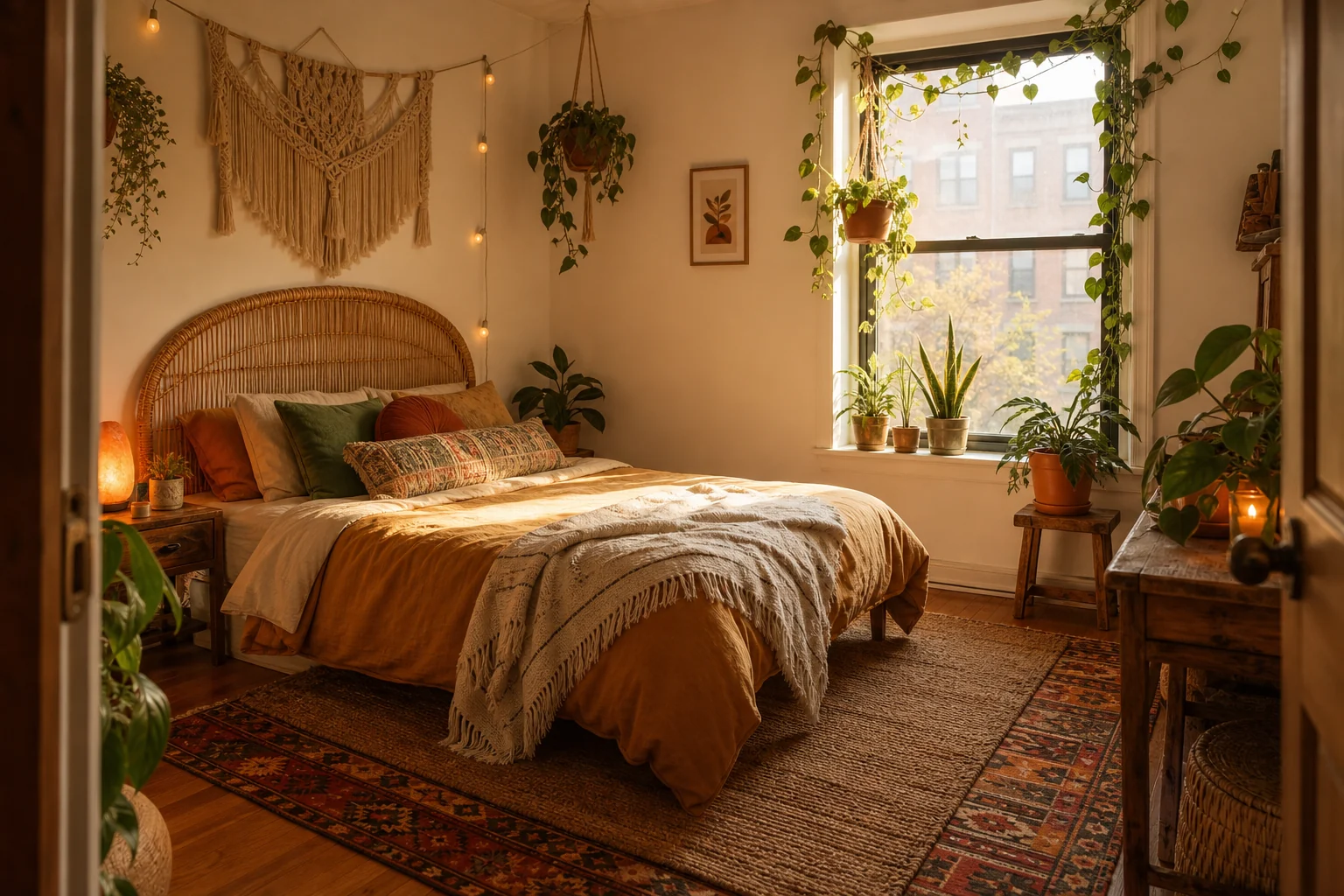
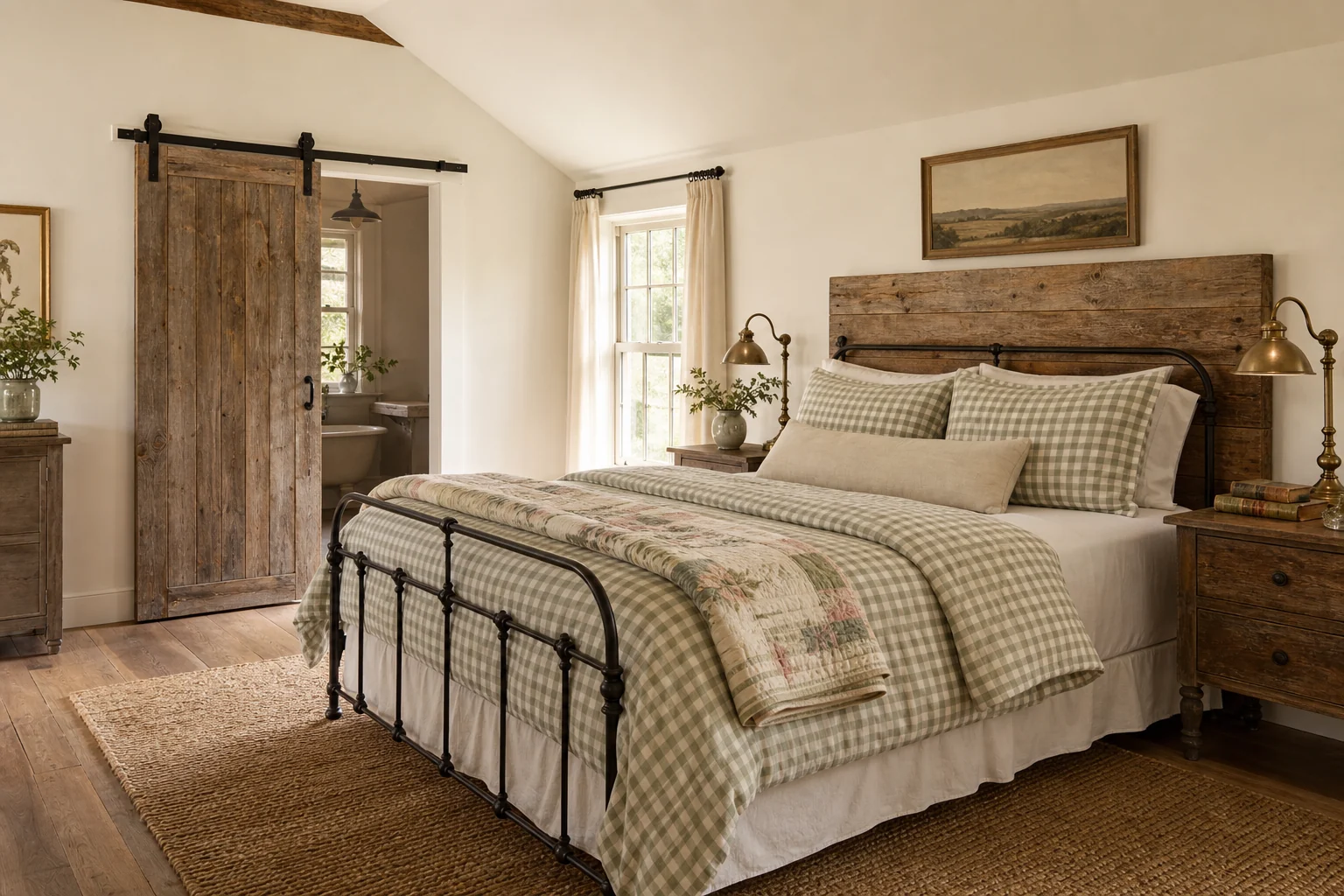
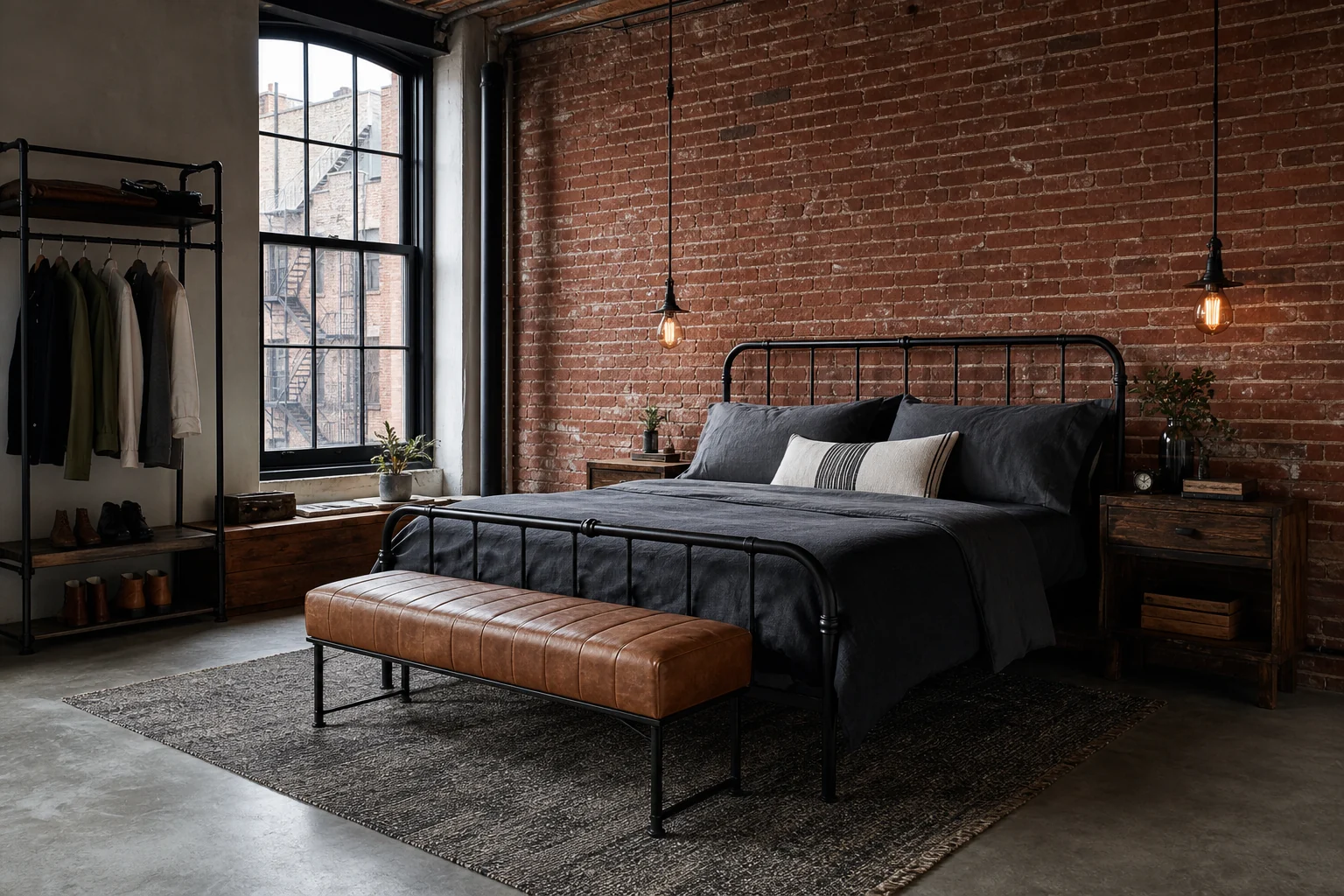
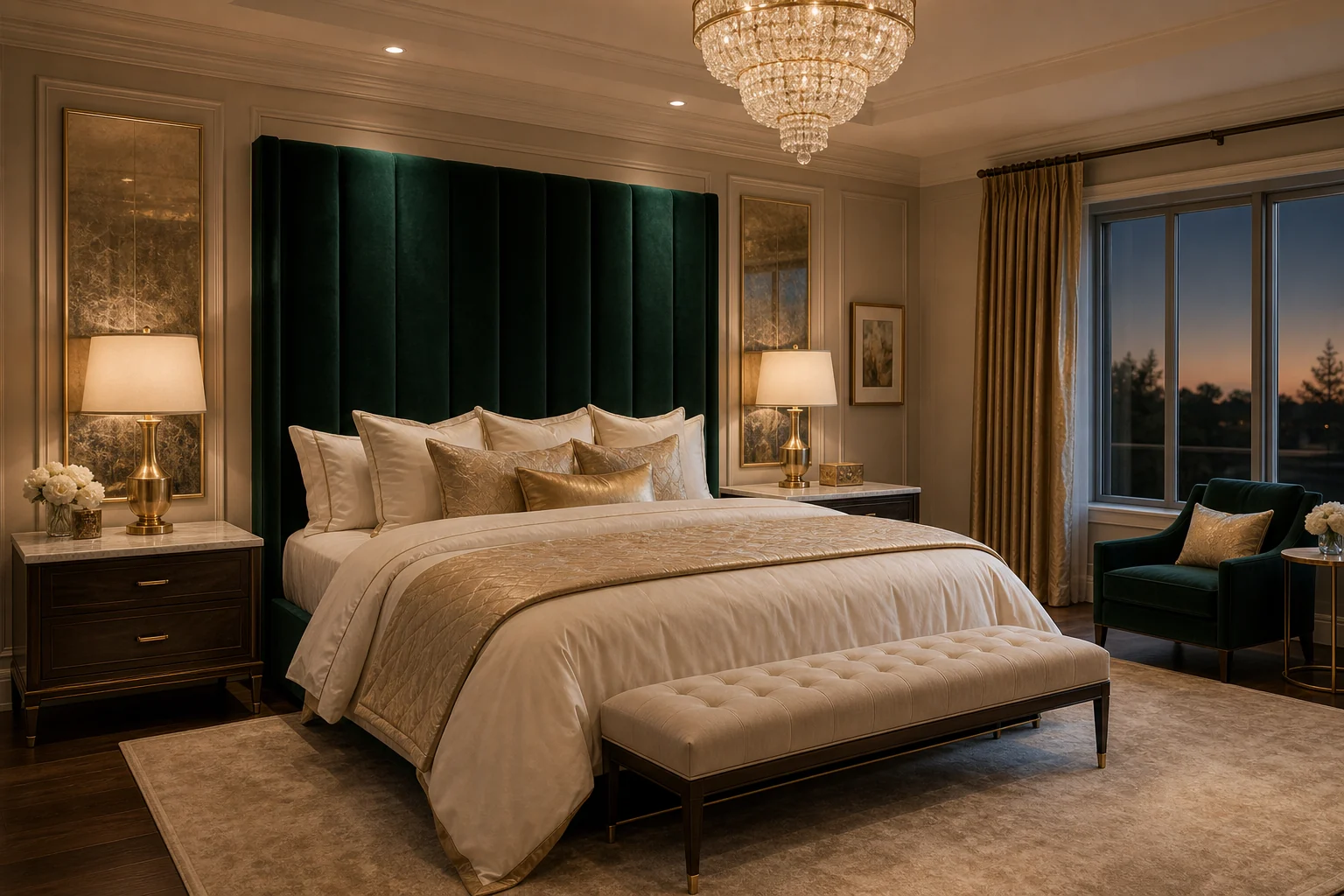
What AI bedroom design actually does
When you upload a photo, the model reads the room the way a designer would on a first visit: where the walls, window and door sit, how daylight enters, where the bed can physically go. It then re-renders the same room — same architecture, same viewpoint — with the furniture, materials, lighting and color story of the style you picked. The walls you own stay where they are; everything you could change in real life is what changes in the picture.
That distinction matters, because the output is not an inspiration photo of someone else's bedroom — it is a preview of yours. You can stand in the doorway, hold the phone up, and compare the render against the room it came from. The before/after slider exists precisely for that moment.
How to photograph your bedroom for the best result
The single biggest quality lever is the photo, not the style choice. Three rules cover 90% of it: shoot from the doorway or a corner at chest height so the frame holds the whole room; open the curtains and turn the lights on so the model can read depth; and keep the camera level — tilted verticals confuse the geometry that the redesign is built on. Do not tidy up first. The AI removes clutter on its own, and an honest "before" makes the slider comparison far more convincing.
Choosing a style you will actually live with
The eight presets are not decoration filters — each one is a different answer to a real bedroom problem. A cramped city room gains the most from Japandi or Minimalist, which trade furniture mass for visible floor. A dark, north-facing room wants Scandinavian light-multiplication. A big-but-hollow master bedroom is a zoning problem, which is what Luxury and Modern are built around. If your starting point is the room type rather than the aesthetic, begin with the scenario pages — for example small bedroom design — where the right styles come preselected.
A practical workflow: generate the same photo in two or three candidate styles, drag the slider on each, and notice which "after" you keep coming back to. Each design costs seconds, so let comparison do the deciding — that is the honest advantage this tool has over a mood board.
From render to real room
The render is a shopping list in disguise. Read it element by element — bed frame, bedding colors, lighting positions, one or two accent pieces — and price the gap between your room and the picture. Most style conversions travel on textiles and lighting first: bedding, curtains, a rug and a lamp typically carry two-thirds of the visual change at a fraction of a refurnish. Save the render, take it shopping, and match against it the way you would a paint swatch.